Weapon Picker for Truxton Extreme
Choose the battlefield pressure, get a recommended shot priority, then open the matching deep guide.
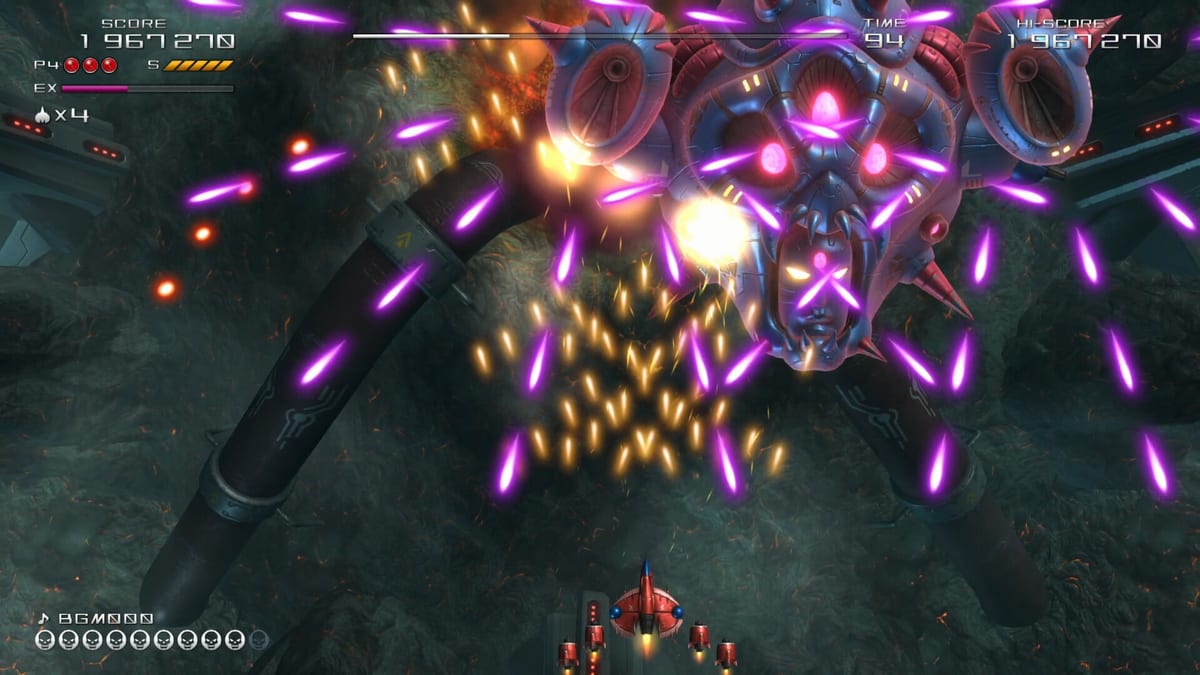
How to use this picker
Select the situation that best matches what currently fills your Truxton Extreme stage. The tool highlights a primary shot and a backup option based on classic series roles: wide Power Shot for swarms, piercing Tatsujin Beam for stacked columns, Thunder Laser for lock-on pressure, Homing for spread packs, and Star-Mine for delayed explosions. Bombs and EX Shot remain universal panic and burst tools—see the Bomb guide and EX Shot guide.
After you get a recommendation, open the detailed page and practise the pickup decision in Training mode. Pair this tool with the weapon tier list when you want a broader ranking, and with How to Play if you are still learning autofire, speed toggles, and bomb timing.
Choose what fills the screen, then read the recommended Truxton Extreme shot.
Recommended loadout
Keep Bombs and EX Shot ready for emergencies. Compare ranks on the weapon tier list.
Why pickup discipline wins credits
In Truxton Extreme, the dangerous moment is not only dense bullets—it is greedily grabbing the wrong colour when your current shot already solves the wave. Veterans often skip a pickup that would downgrade coverage. This picker encodes that habit: it tells you what to prefer, not what to vacuum automatically.
Team mode adds another layer. Shared bombs mean your partner’s survival can depend on the bomb you were saving for a mid-boss. Read Team co-op and How to play co-op before treating every bomb as a solo panic button.
Situation map
Crowded small ships favour Power Shot’s fan coverage so you delete fodder before it seeds the screen. Dense boss weak points favour Thunder Laser lock behaviour and Beam pierce when parts stack vertically. Spread-out targets favour Homing so you stop weaving through empty lanes just to tag stragglers. Mixed mid-stage chaos often wants Power Shot as a default with Beam or Laser swaps for the next set-piece.
Star-Mine shines when you can seed explosions into predictable spawn corridors. It is less forgiving if you need constant forward DPS on a rushing capital ship—switch back using the picker recommendation before the next scroll segment.
Practice loop
- Run the picker for the stage type you fear.
- Enter Training with that shot selected if the mode allows shot choice.
- Loop the section until you can refuse the wrong pickup without thinking.
- Take the same priority into Story or Arcade and note where bosses force an exception.
- Log score results in Arena to see whether the loadout actually raises your two-minute total—see the scoring guide.
Related reading
Browse the full Weapons hub, compare editions on the Review hub, and track mode unlocks with the Unlock Checklist. Controls muscle memory still matters: skim keyboard controls or gamepad controls so EX and bomb fingers stay reliable when the picker’s advice puts you into denser fire.
Truxton Extreme celebrates readable patterns. The weapon picker is a decision aid so your eyes stay on enemy telegraphs instead of debating colour theory mid-scroll.
Interactive panel
Use the interactive weapon picker below. Recommendations update instantly and link out to the matching wiki pages with proper anchor text.
Frequently Asked Questions
Quick answers to the most common questions.
Does the picker change with patches?
Role advice is based on publicly described weapon behaviour. If a balance patch shifts a shot, prefer the updated weapon pages over an outdated habit.
What if my favourite shot disagrees with the tool?
Favour comfort during learning, then retest in Training. Score modes reward efficiency more than nostalgia.
Should co-op partners use the same shot?
Often complementary coverage is better—one wide and one pierce—so discuss before the credit. See the co-op guide.
Where is the full ranking?
Open the Truxton Extreme weapon tier list for situational ranks across the whole arsenal.