Truxton Extreme Keyboard Controls (PC)
Typical bindings for Steam and GOG — confirm in Options.
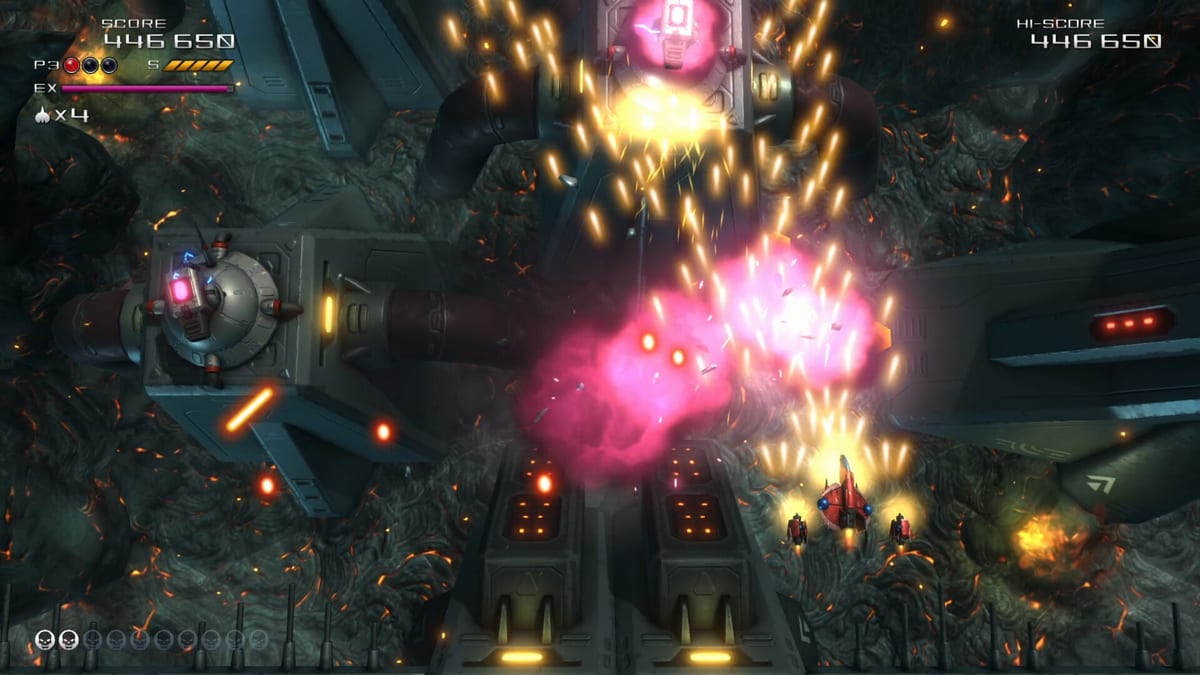
PC keyboard overview
Truxton Extreme on Steam and GOG supports keyboard play for movement, firing, bombs, EX shots, and manual speed boosts. Defaults may differ slightly between storefront builds or after you opt into Steam Input profiles, so treat this page as a conceptual map plus remapping advice — not a guaranteed screenshot of your Options menu on day one.
Vertical shmups on keyboard excel when movement keys align with your resting hand position and when autofire removes hold-to-fire strain during Arena grinds.
Typical action layout
Most PC players use one of two movement schemes:
WASD cluster — W/A/S/D for eight-direction digital movement. Index finger on D for right drift, ring finger on A for left. Space or J for shot when autofire is off.
Arrow keys — classic arcade desk layout. Left hand on arrows, right hand on shot, bomb, and EX keys along the numpad or letter row.
Because the game does not publish a single canonical ASCII diagram in all storefront materials, open Options → Controls immediately after install and write down your defaults before changing anything.
Shot and autofire
Primary fire is usually bound to a key you can tap rapidly — Space, Z, or J are common community choices after remapping. Enable autofire in Options if you prefer holding position without holding fire. Autofire is especially valuable during scoring runs where repetitive strain ends sessions early.
Without autofire, consider binding shot to a key under your strongest finger while movement uses the opposite hand.
Bomb binding
Bombs should sit on a key you can hit under stress without releasing movement — Left Shift, E, or K are popular. Avoid binding bomb to the same key as EX if possible; panicked double presses waste resources.
Remember bombs revive partners in Team co-op when you touch a downed ship, so bomb key reachability matters in duo play.
EX Shot binding
EX spends gauge accumulated from enemy kills. Bind EX away from movement keys to prevent accidental activation when you meant to strafe. Many players use Q, Right Shift, or U.
EX temporarily boosts damage and may reduce movement speed while active. Activate during dense enemy clusters for item drops, not during bullet walls you must outrun — see how to play for gauge basics.
Manual speed boost
Truxton Extreme distinguishes pickup-based speed caps from manual boost control. Boost is often mapped to Left Ctrl, Left Alt, or C as a hold or toggle depending on Options.
Practice pulsing boost: tap to cross gaps, release to slow for precision. Speed icons in-stage raise maximum velocity; boost uses that headroom.
Pause, menu, and confirm
Escape or Enter typically opens pause menus on PC. Confirm UI selections with Enter or Space. These rarely need remapping unless Steam Big Picture overrides them.
Remapping workflow
- Launch the game and open Options → Controls.
- Reset to defaults if migrating from a controller profile.
- Remap movement first, then shot, bomb, EX, boost in that order.
- Play Tutorial stage to verify no ghost inputs from Steam Input.
- Test Arena for two minutes to confirm comfort under stress.
Steam Input can duplicate controller layers on keyboard — disable extraneous layers if keys double-fire.
Steam Deck and handheld PC notes
Steam Deck often defaults to gamepad glyphs even when using physical controls. Keyboard users docked to a monitor should switch to desktop mode bindings. Small keyboards benefit from autofire and toggle boost instead of hold-to-boost.
Check system requirements for baseline hardware; input lag usually stems from vsync or background capture tools rather than CPU limits.
Keyboard versus gamepad on PC
Keyboard offers crisp digital corners useful for micro-taps. Gamepad analog movement smooths diagonal grazing. Many score runners pick one device per mode — keyboard for Arena trials, gamepad for Story marathon. Compare gamepad layout before committing.
Common mistakes
Binding bomb adjacent to movement without finger independence. Disabling autofire and tiring your hand before boss phases. Forgetting boost exists because defaults hide it on an unused key. Running Steam Input shifts that remap WASD to left stick emulation without visual feedback.
Co-op keyboard setup
Team mode needs two input devices ideally — one keyboard plus one gamepad, or two gamepads. Pure dual-keyboard setups are awkward on one desk; assign Player 2 to a pad even if Player 1 prefers keys.
Practice path
Run Tutorial, then Heart Starter, using only keyboard. Adjust boost toggle once stage-one patterns feel readable. When comfortable, read mode unlocks and push Story mission one for Arcade access.
If narrative breaks distract you from binding tests, skim story hub later — controls come first.
Frequently Asked Questions
Quick answers to the most common questions.
What keys move the ship on PC?
WASD or arrow keys are typical, but defaults vary. Check Options → Controls immediately after launch.
Should I enable autofire on keyboard?
Autofire reduces hold-to-fire strain and helps during long Arena sessions. Enable it in Options if you prefer.
Where should I bind EX and bomb?
Keep EX and bomb off movement keys. Use comfortable keys you can hit under stress, such as Q and Shift.
Does Steam Input break keyboard binds?
Steam Input layers can duplicate inputs. Reset defaults and disable unused controller layers if keys misfire.
Can two players use keyboards?
Team co-op works best with one keyboard plus one gamepad, or two gamepads, due to desk space and device limits.